
TinyNote
TinyNote is a lightweight notes and quick-copy tool for commands, code snippets, config templates, and short memos. It is built for high-frequency reuse of small fragments, not as a replacement for long-form apps like Notion.
The installer is about 5–10 MB on macOS, Windows, and Linux. Notes live in local Markdown files. No account is required.
What it is for
- Shell cheat sheets, API snippets, prompt templates
- Ops scripts, config fragments, account memos
- Anything you copy every day and do not want to select with the mouse
It is not for long collaborative documents, complex knowledge graphs, or heavy rich text. Use Notion, Obsidian, or similar tools for those.
Capabilities
- Quick copy: copy a block’s body, title, or the full note in one click
- Four-level organization: Space → folder → note → note block, with unlimited nesting
- Three note formats: block notebooks, Markdown notes, and article notes (the last two are Pro)
- Three views: list, card, compact
- Local Markdown: folders map to the real filesystem and work with Git or any editor
- Git sync and local backup
- Languages: Simplified Chinese, Traditional Chinese, English, Japanese, Korean, German, French, Italian, Russian
Layout
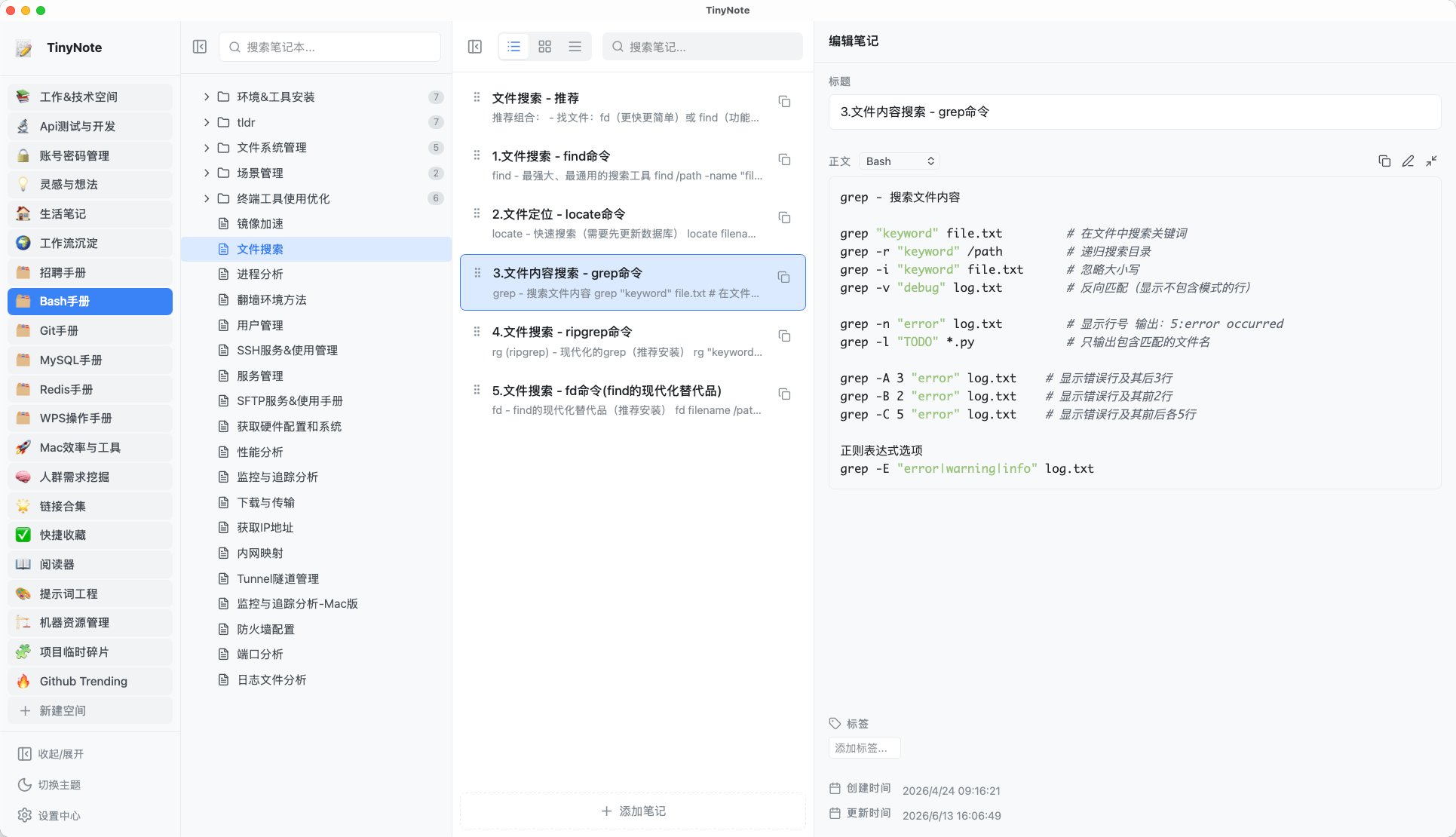
The main window has four panes:
| Pane | Role |
|---|---|
| Space bar | Switch spaces, theme, settings, and global search |
| Directory | Browse folders and notes; search, context menus, drag and drop |
| Notes | Show blocks in the current note, switch views, copy |
| Properties | Edit title, body, tags, and content type |
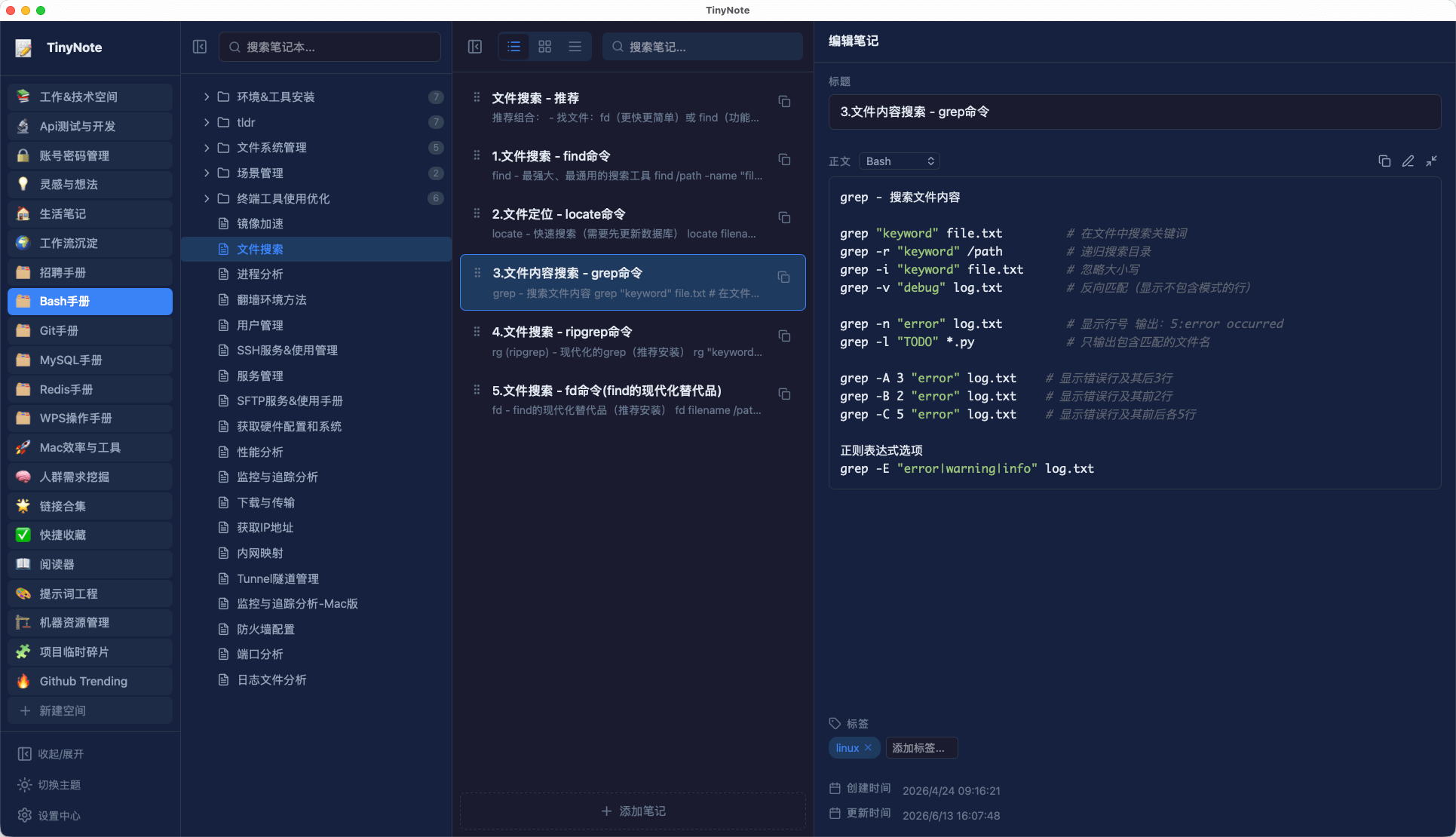
Light and dark themes:
Where data lives
On first launch you pick a storage folder (the library). A typical layout:
library/
  ├── Workspace.tinynotes/
  │   ├── folder/
  │   │   └── notebook.md
  │   └── another-note.md
  └── configs.json
Block notebooks use an extended Markdown format. Multiple blocks share one .md file, separated by frontmatter:
---
title: Common commands
contentType: bash
tags: [shell]
createdAt: 2026-08-20T12:00:00Z
updatedAt: 2026-08-20T12:00:00Z
---

git status
The library is just files. You can commit it, open it in VS Code, or copy it to another machine.
Install
Free and open source on macOS / Windows / Linux.
| Platform | Recommended package |
|---|---|
| macOS | Universal .dmg |
| Windows | .exe setup, or .msi |
| Linux | .deb / .rpm |